Ultimate Guide to Home Automation Projects with Diagrams & Codes 2026
Comprehensive guide to home automation projects with circuit diagrams & source codes. Technical analysis, sourcing strategies, and expert recommendations for electronics professionals.
# Ultimate Guide to Home Automation Projects with Diagrams & Codes 2026
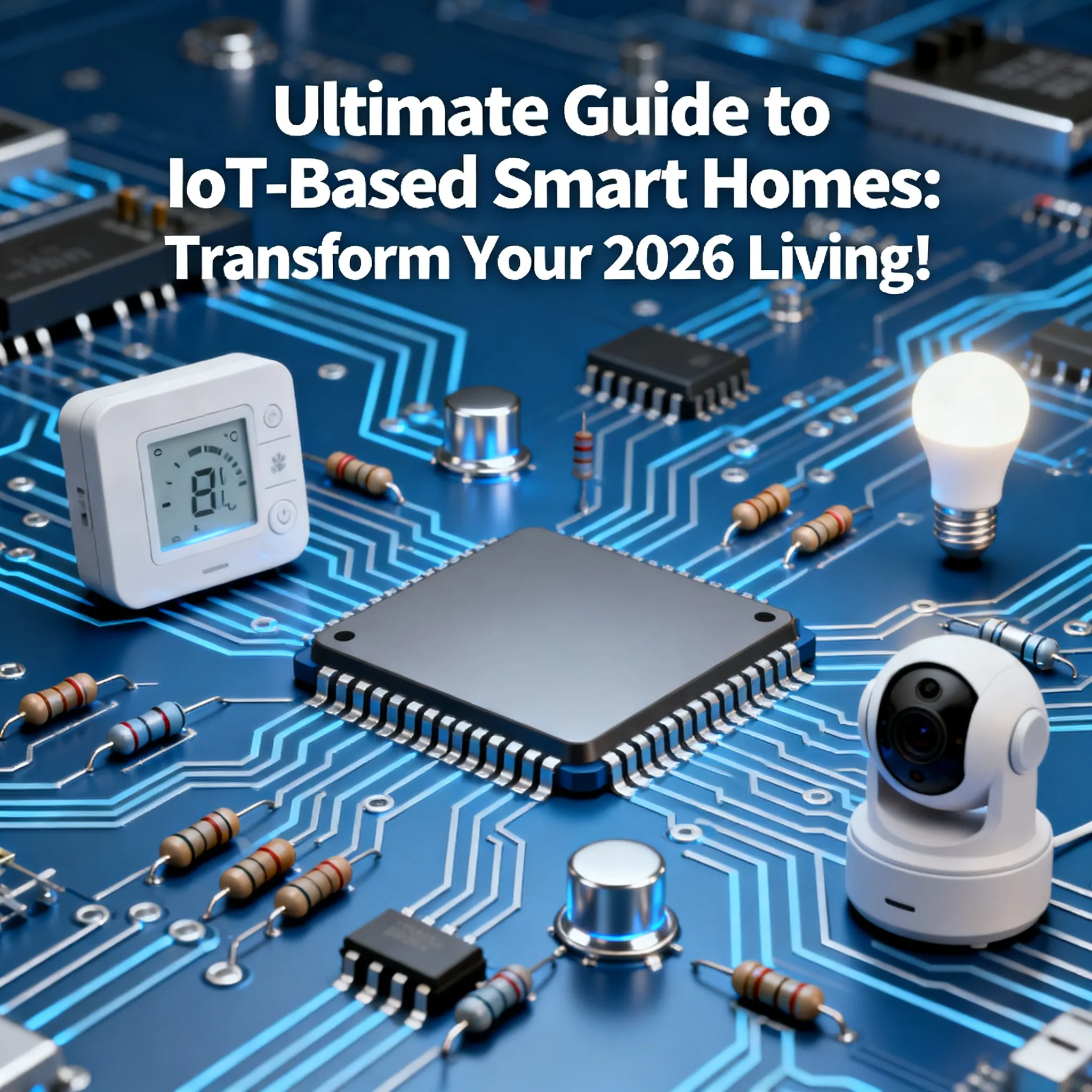
Home automation has rapidly evolved in recent years, transforming our living spaces into intelligent environments that enhance convenience, security, and energy efficiency. As we step into 2026, the trends and technologies in home automation continue to flourish. This guide will provide you with an in-depth understanding of various home automation projects, complete with diagrams and code snippets. Whether you're a seasoned tech enthusiast or a beginner, this comprehensive guide will help you build your own smart home.
## Table of Contents
- [Introduction to Home Automation](#introduction-to-home-automation)
- [Key Components of Home Automation](#key-components-of-home-automation)
- [Essential Home Automation Projects](#essential-home-automation-projects)
- [1. Smart Lighting Control](#1-smart-lighting-control)
- [2. Smart Thermostat](#2-smart-thermostat)
- [3. Security Camera System](#3-security-camera-system)
- [4. Smart Door Lock](#4-smart-door-lock)
- [5. Home Automation Hub](#5-home-automation-hub)
- [Future Trends in Home Automation](#future-trends-in-home-automation)
- [Conclusion](#conclusion)
## Introduction to Home Automation
Home automation refers to the technology that allows users to control various household systems and appliances remotely through a centralized interface. With advancements in the Internet of Things (IoT), artificial intelligence (AI), and connectivity options like Wi-Fi, Zigbee, and Z-Wave, home automation is not only about convenience but also about improving energy efficiency and enhancing security.
## Key Components of Home Automation
To embark on your home automation journey, it's crucial to understand the key components involved:
### H3: 1. Smart Devices
Smart devices are Internet-enabled appliances that can be controlled remotely. These include smart lighting, thermostats, cameras, locks, and more.
### H3: 2. Home Automation Hub
A hub is the central point of your smart home, allowing different devices to communicate with one another, regardless of brand or protocol.
### H3: 3. Network Connectivity
Reliable internet connectivity (Wi-Fi, Zigbee, and Z-Wave) is essential for seamless communication between devices.
### H3: 4. User Interface
This is the platform (mobile app, web app, or voice assistant) through which users interact with the home automation system.
## Essential Home Automation Projects
### H2: 1. Smart Lighting Control
Smart lighting provides the ability to control your home lighting remotely, set schedules, and automate dimming based on the time of day.
#### H3: Components Required
- Smart bulbs (e.g., Philips Hue)
- Smart lighting hub (e.g., Samsung SmartThings)
- Mobile app for control
#### H3: Code Example
Using a Raspberry Pi and Python, you can control the smart bulbs via Wi-Fi:
python
import requests
# Replace with your Philips Hue bridge IP and authentication token
BRIDGE_IP = '192.168.1.2'
API_KEY = 'your-api-key'
def turn_on_light(light_id):
url = f'http://{BRIDGE_IP}/api/{API_KEY}/lights/{light_id}/state'
payload = {"on": True}
requests.put(url, json=payload)
turn_on_light(1) # Turn on the first light
#### H3: Diagram

---
### H2: 2. Smart Thermostat
A smart thermostat optimizes energy usage by learning your heating and cooling preferences and adjusting them automatically.
#### H3: Components Required
- Smart thermostat (e.g., Nest, Ecobee)
- Wi-Fi connection
#### H3: Code Example
You can use an MQTT broker to publish temperature settings:
python
import paho.mqtt.client as mqtt
broker = 'mqtt.example.com'
client = mqtt.Client()
client.connect(broker)
client.publish('home/thermostat/set', '22') # Set temperature to 22°C
client.disconnect()
#### H3: Diagram

---
### H2: 3. Security Camera System
A security camera system enhances your home's safety by providing real-time surveillance and alerts.
#### H3: Components Required
- IP cameras (e.g., Ring, Arlo)
- Cloud storage or local NAS for recordings
#### H3: Code Example
Utilizing OpenCV for motion detection:
python
import cv2
cap = cv2.VideoCapture(0) # Use the first camera
while True:
ret, frame = cap.read()
if not ret:
break
# Perform motion detection logic here
cap.release()
cv2.destroyAllWindows()
#### H3: Diagram

---
### H2: 4. Smart Door Lock
Smart locks provide keyless entry and enhance security with features such as remote locking and unlocking.
#### H3: Components Required
- Smart lock (e.g., August, Yale)
- Smartphone for control
#### H3: Code Example
Using a smart lock API to lock/unlock the door:
python
import requests
lock_id = 'your-lock-id'
url = f'https://api.smartlock.com/locks/{lock_id}/unlock'
response = requests.post(url, headers={'Authorization': 'Bearer your-token'})
if response.status_code == 200:
print("Door unlocked successfully.")
else:
print("Failed to unlock the door.")
#### H3: Diagram

---
### H2: 5. Home Automation Hub
A home automation hub acts as the brain of your smart home, integrating different devices for centralized control.
#### H3: Components Required
- Home automation hub (e.g., SmartThings, Hubitat)
- Various smart devices
#### H3: Code Example
Example of setting up a hub using Node-RED:
javascript
[{
"id": "1",
"type": "inject",
"name": "Trigger",
"topic": "",
"payload": "on",
"payloadType": "str",
"repeat": "",
"crontab": "",
"once": false,
"onceDelay": 0.1,
"x": 150,
"y": 100,
"wires": [["2"]]
},
{
"id": "2",
"type": "http request",
"name": "Turn on Light",
"method": "POST",
"ret": "obj",
"url": "http://your-light-url",
"x": 350,
"y": 100,
"wires": [["3"]]
},
{
"id": "3",
"type": "debug",
"name": "",
"active": true,
"tosidebar": true,
"tostr": false,
"totop": false,
"targetType": "null",
"x": 550,
"y": 100,
"wires": []
}]
#### H3: Diagram

## Future Trends in Home Automation
As we look toward the future, several trends are emerging that will shape the home automation landscape:
### H3: 1. AI and Machine Learning
AI will enable smarter automation systems that can learn user preferences and routines over time, providing personalized experiences.
### H3: 2. Increased Interoperability
Expect more devices to support universal protocols, allowing seamless integration between different brands and technologies.
### H3: 3. Enhanced Security
With the rise of smart devices, security concerns will drive innovations in data protection and secure communication protocols.
### H3: 4. Sustainable Energy Solutions
Home automation will increasingly focus on energy management, promoting energy-saving practices and integration with renewable energy sources.
## Conclusion
Home automation is more than a trend; it is rapidly becoming an essential aspect of modern living. As technology continues to advance, the potential for creating a fully automated and intelligent home will only grow. By engaging in these DIY projects, you can enhance your home’s functionality while gaining valuable skills in electronics and programming. Whether you choose to start small with smart lighting or dive into more complex systems like security cameras and automation hubs, the world of home automation offers endless possibilities.
---
This guide is intended to equip you with the knowledge and resources to embark on your home automation journey in 2026. Embrace the future of living and transform your home into a smart sanctuary!
For reliable electronic components and expert sourcing support, visit NovaElec for comprehensive solutions.